Set up system workload
Go to All entities > Workloads > + Create a workload. For more information, see Create and define workloads.
Dica
If you don't see All entities in the navigation, go to one.newrelic.com > Catalogs and select Switch back to all entities.
Enter a name for your workload and select an account from the dropdown list.
Next to Entity Type = All, select the + icon and enter
sap.system = {SAP System SID}in the filter bar.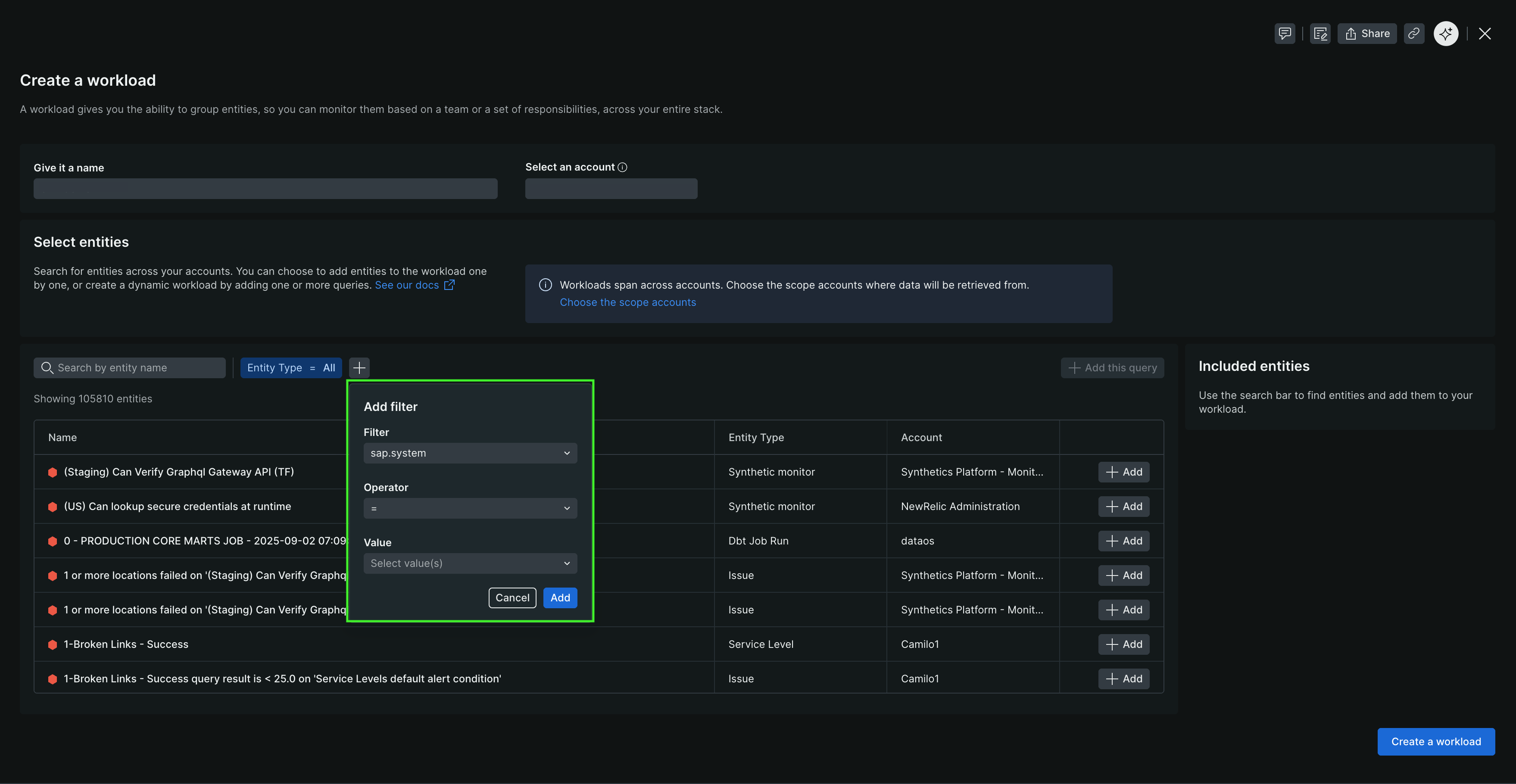
Select + Add this query to add the query to your workload definition.
Select Create a workload.
Your new workload appears in All entities and includes all entities tagged with your SAP system.
Install service pack
Service packs are delivered as .SAR files that follow the naming convention K-<Version Number>SP<SP Number>IN<Software Component>.SAR (for example, K-240SP01INNEWR.SAR).
- Use transaction
SPAMto install the service pack. - Load the new configuration template from client 000.
- Go to Install New Release and Patch > Copy Template Tables from Client 000.
- Generate the new data provider configurations from Install New Release and Patch > Generate Configuration for New Data Providers.
- Verify the installation from Install New Release and Patch > Verify Installation Completeness.